You’ll need to enter and verify your phone number and email - use the same email you gave your property manager or system admin.
You don’t need a password anymore. You’ll login with just your phone number from now on!
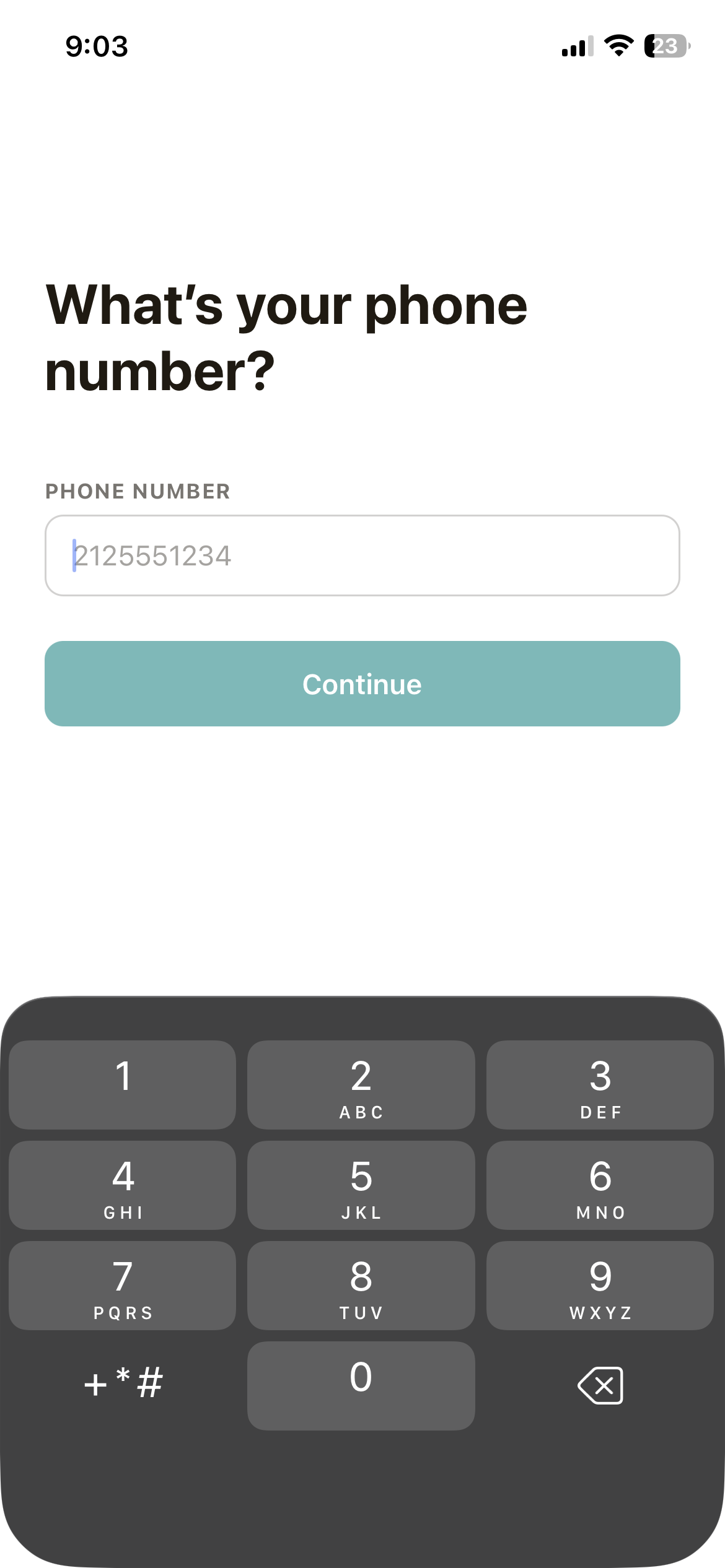
Ensure the number you entered is correct.
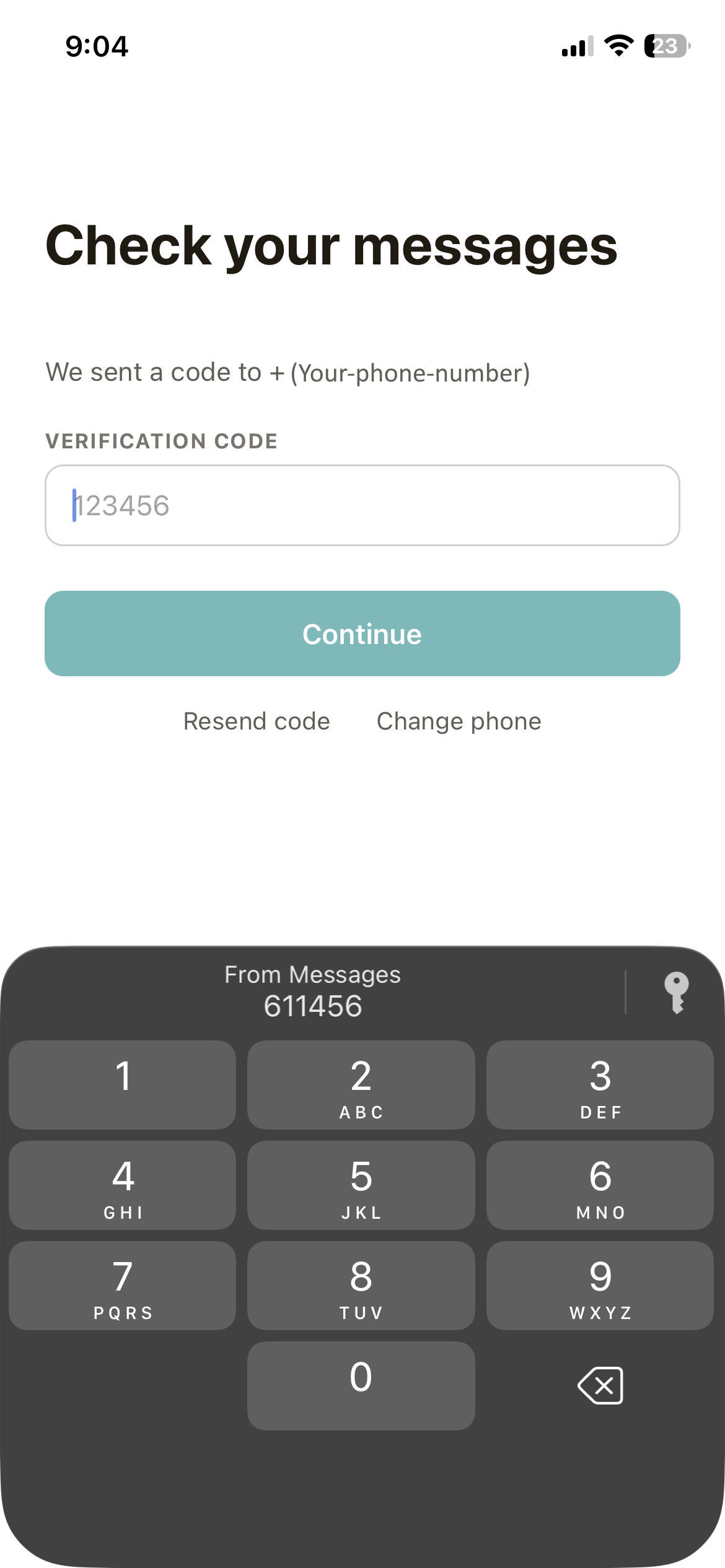
If you haven’t received a text message with your 6-digit verification code after 30s, click “Resend Code”.
If you’ve used the LittleBird app previously on this device, it will remember your email. Confirm it is correct.
If you’re a new user, enter the email you gave your property manager or system admin.
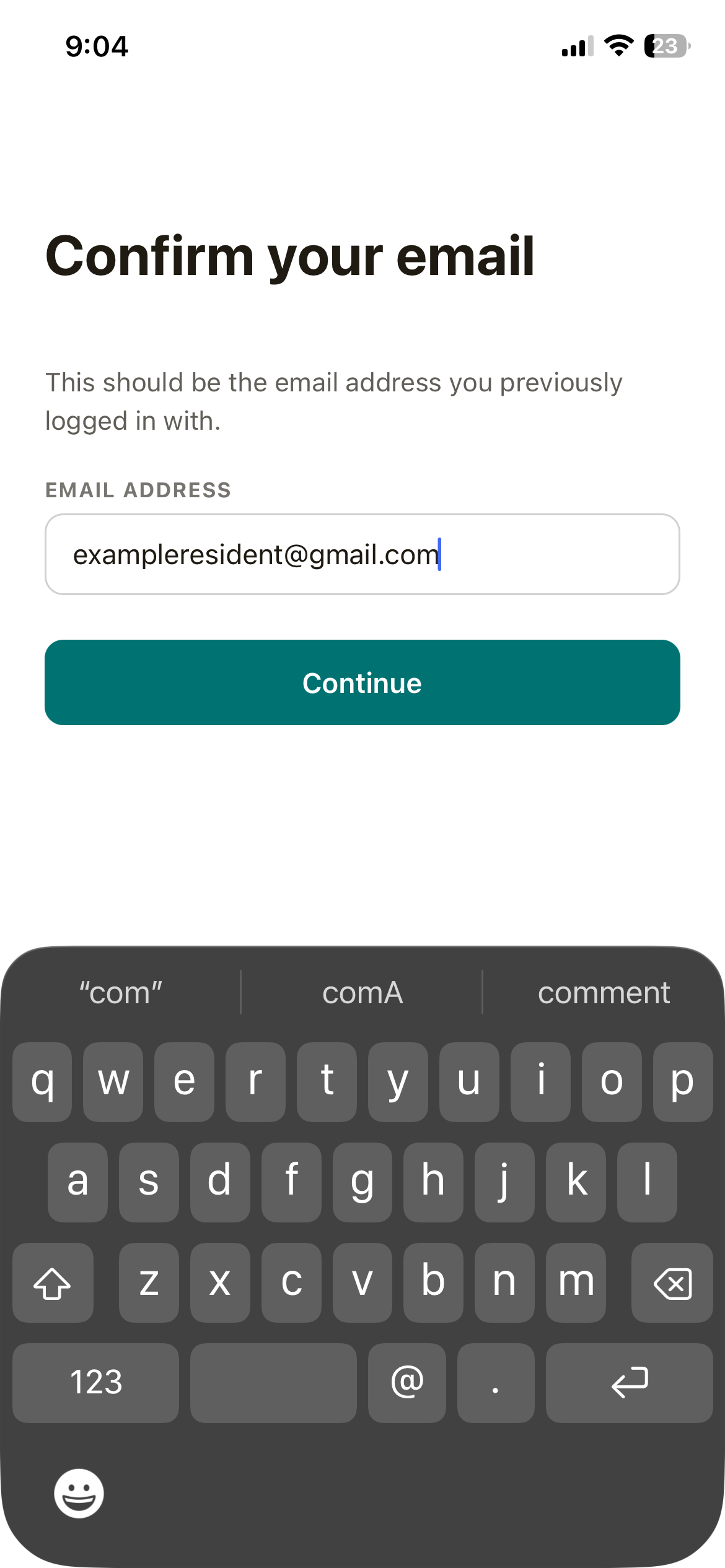
Ensure the email you entered is correct.
If you haven’t received an email with your 5-digit verification code after 30s, try refreshing your email. Otherwise, click “Resend Code”.
Welcome Home!
New look, same layout.
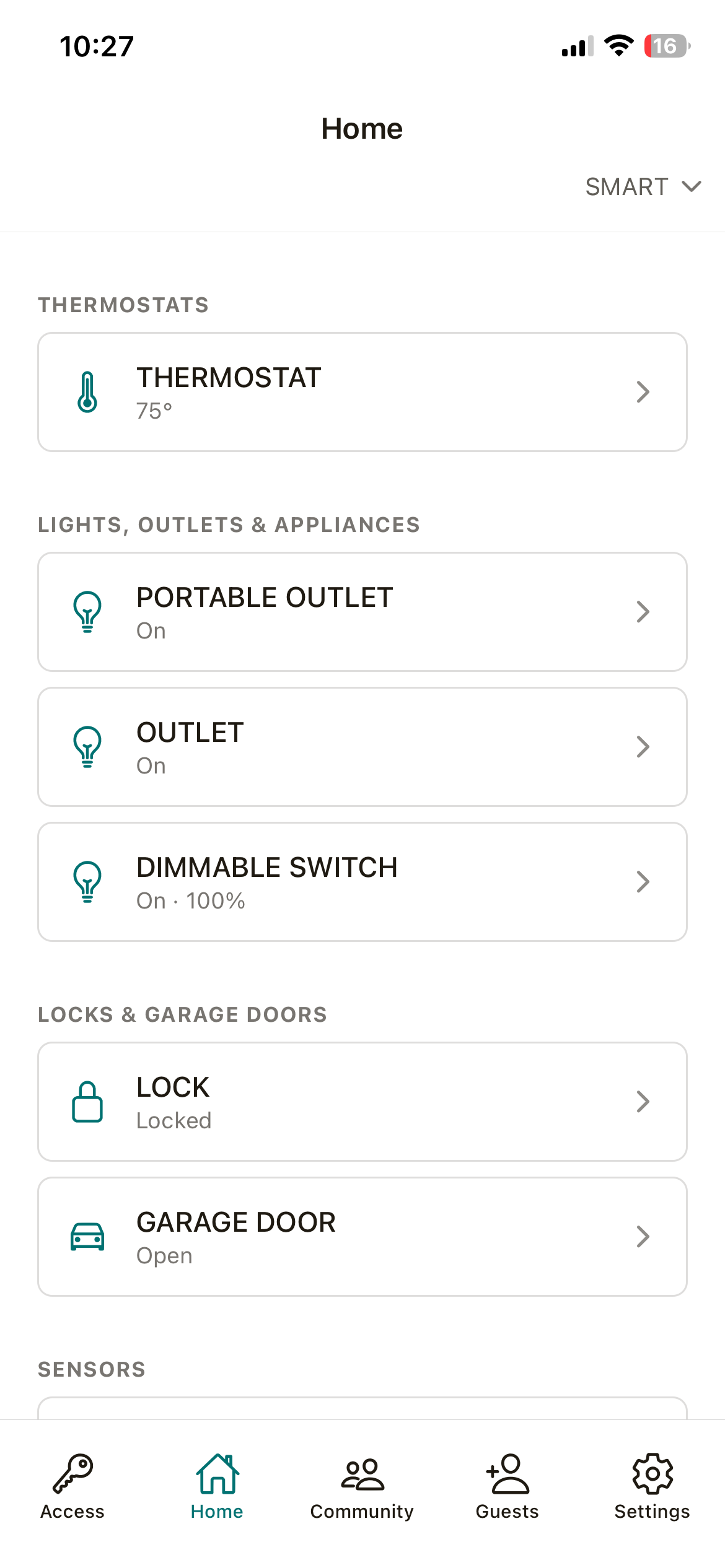
Use the tabs at the bottom of the screen to navigate the app.
Review your account info from the settings tab.
If you think there’s a problem with your account, make sure the email in your account info page matches what you gave your property manager or system admin.
Was this article helpful?
That’s Great!
Thank you for your feedback
Sorry! We couldn't be helpful
Thank you for your feedback
Feedback sent
We appreciate your effort and will try to fix the article